Add media
- Copy video or audio files into your workspace folder or a subfolder.
- Return to HaoCut. New files appear in Explorer and are queued for indexing automatically.
- Wait for indexing to finish, then click a file to open it.
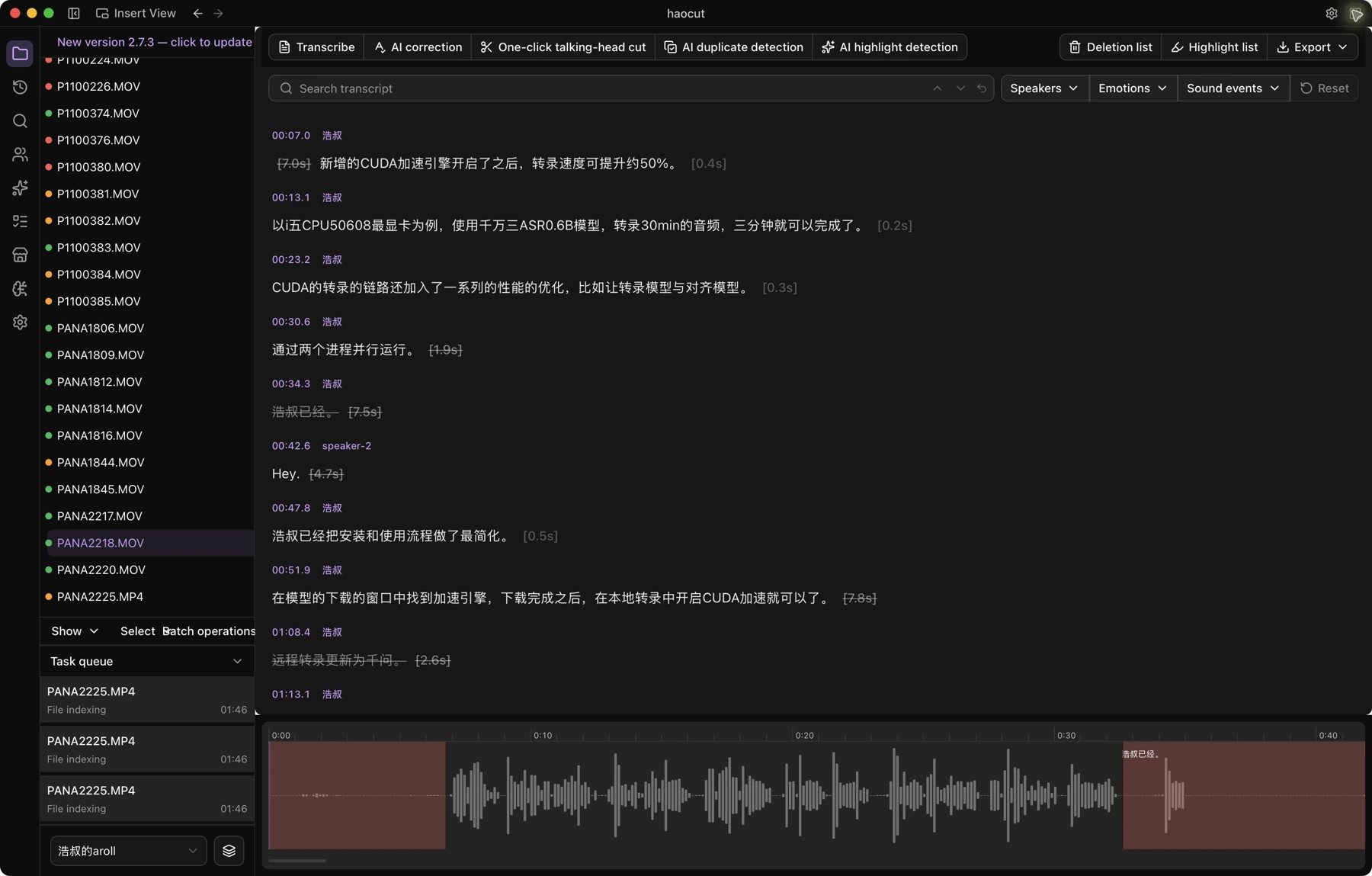
If HaoCut reports unindexed files, click the notice to start indexing. Keep the files and storage device available while processing.
Batch processing
Use Select → Select all, then select the files you need. Open Batch operations to choose an action.
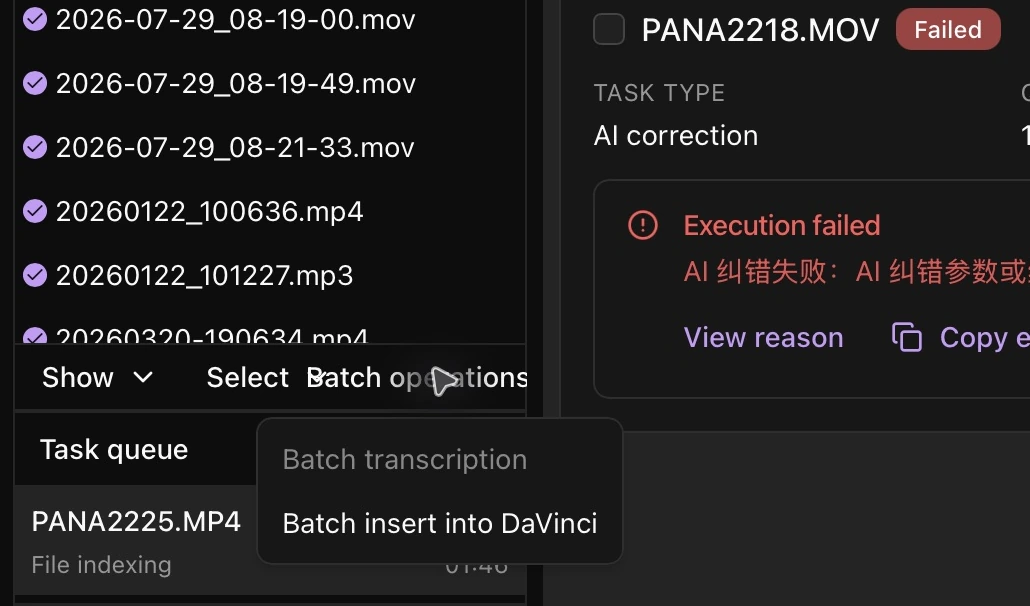
All selected files must be indexed before Batch transcription becomes available. Open Task queue to check processing progress.
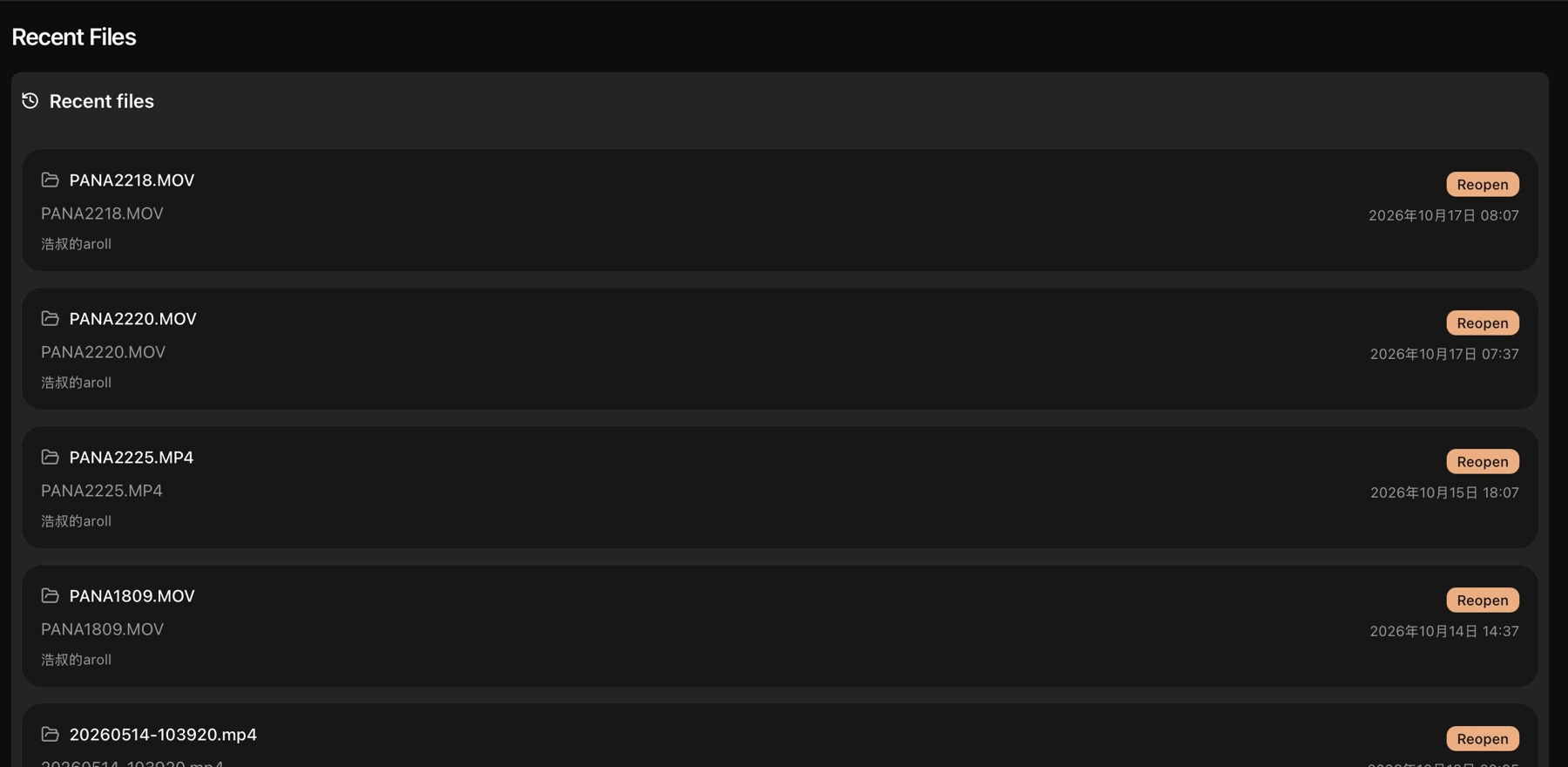
Recent files
Click Recent files, then select a file to return to media you previously opened.